Blog: Event management
Elevating the session experience: introducing the ‘On Stage’ app
11 June 2026 minute read
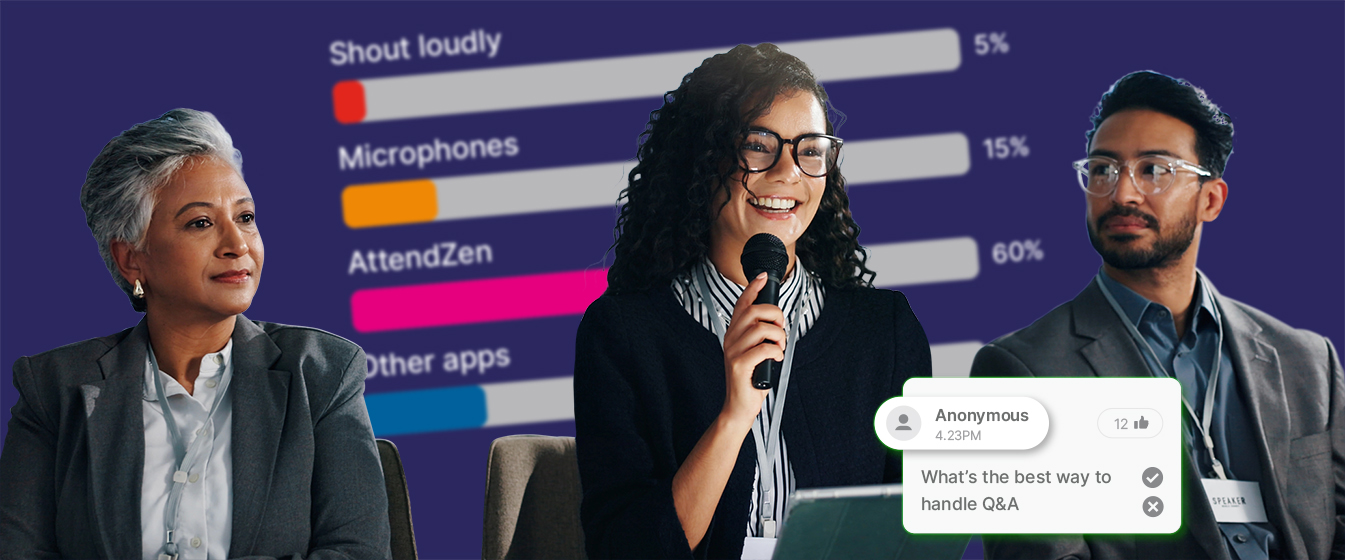
Live audience interaction is the heartbeat of any successful B2B conference. It transforms passive listeners into active participants, sparks genuine debate, and helps ensure that sessions address the topics attendees actually care about.
But managing that interaction in real time can be a logistical headache for event teams.
Sifting through hundreds of raw questions, filtering out duplicates, handing physical cue cards to a moderator, and coordinating with the AV desk to get poll results on screen all, creates friction. It’s stressful for staff and can lead to awkward pauses on stage.
To solve this, we are excited to introduce On Stage – a dedicated app within the AttendZen platform designed to help organisers, moderators, and speakers manage live audience interactions seamlessly, professionally, and without breaking out in a sweat.
How On Stage works behind the scenes
Managing live Q&A traditionally meant deploying staff to run microphones around a crowded auditorium, or forcing a moderator to scroll through an unedited feed of text while trying to maintain eye contact with the audience.
On Stage eliminates these logistical bottlenecks. It acts as a smart control bridge between your audience and your speakers, integrating natively with our existing attendee app to remove the need for physical mic-running entirely.
The workflow is built for speed and simplicity:
Attendee interaction
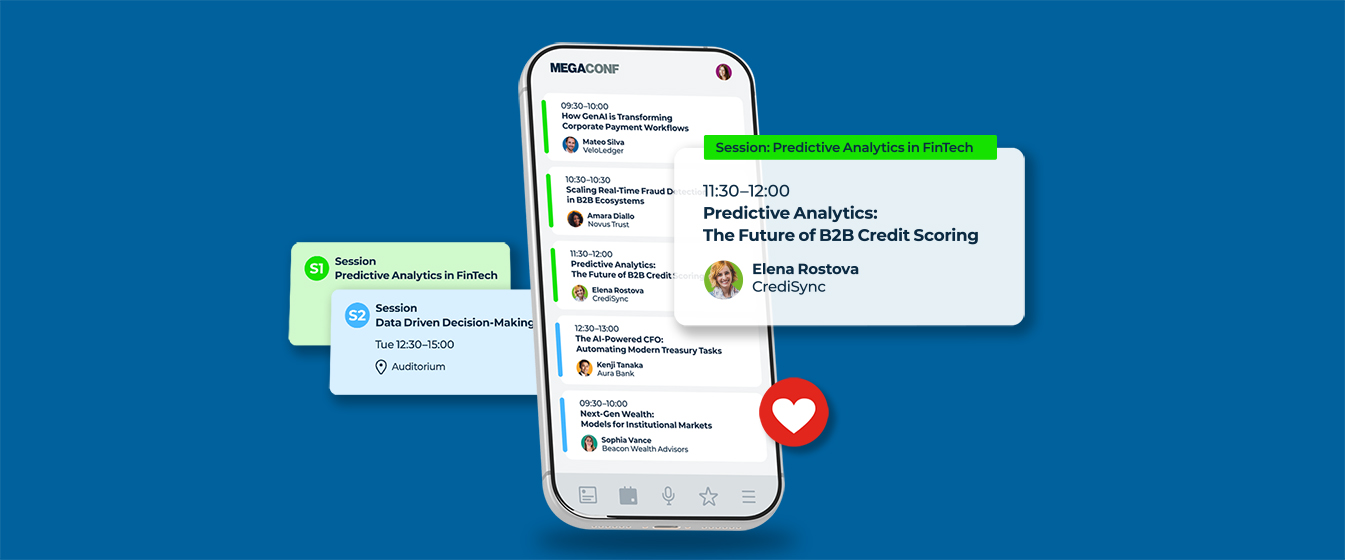
Audience members can ask questions, vote in live polls, and upvote questions and chat posts made by fellow attendees – all from within the existing attendee app – simply by tapping the ‘On now’ button.
Review and filter
Event staff use the On Stage app behind the scenes to view incoming questions submitted by attendees. They can instantly approve relevant questions, reject duplicates, and filter or prioritise questions based on audience upvotes.
Presenter feed
Approved questions can be instantly pushed to a separate tablet or laptop placed on the stage. The session chair or speaker sees only a clean, curated, and prioritised list of questions that actually need their attention.
AV Display
A simplified display mode allows a dedicated laptop connected to the AV desk or projector to show questions, chat posts, live polls, or poll results, on the main screen with a single tap.
Practical benefits for common session formats
Different sessions require different styles of engagement. Here is how On Stage brings a professional polish to three common B2B event formats.
Panel discussions
Panel sessions thrive on dynamic, natural conversations, but they can easily stall if a moderator has to scroll through an unedited feed of text on a phone. With On Stage, a backstage staff member can group similar audience questions together and elevate the most upvoted topics.
Consequently, the moderator sees a clean, live-updating list on their device, allowing them to weave audience sentiment naturally into the conversation without breaking eye contact with the panellists.
Technical sessions or product deep dives
In scientific and technical sessions audience questions tend to be highly specific or complex. Using On Stage, event teams can vet questions for relevance before they reach the speaker, ensuring the session stays on track.
Interactive keynotes or town halls
For sessions designed to gauge audience sentiment, speakers can launch live polls on the fly. Because the app synchronises instantly, a poll created backstage or on the stage is immediately live for attendees in the event app they are already using.
Connect the app to the AV desk and with one tap the live, updating chart appears on the main projector screen, creating an impactful, data-driven moment for the whole room.
Simplifying the event tech stack
One of the biggest operational advantages of On Stage is the reduction of platform fatigue.
Organisers frequently rely on third-party audience response tools like Slido to handle Q&A and polling. While functional, introducing external tools adds complexity: it requires managing separate contracts, configuring data integrations, training staff on multiple systems, and asking attendees to open a separate browser tab or download yet another app.
By using On Stage, you eliminate the need for third-party plug-ins entirely.
Better still, audience interactions flow naturally from your existing attendee app straight to the stage.
And all audience data, poll results, and Q&A analytics remain secure within a single platform, making post-event reporting cohesive and straight-forward.
Fewer moving parts and fewer external software connections mean a significantly lower risk of technical hitches during live sessions.
Set it and forget it: automated session updates
At a busy conference your team doesn’t have the time to reconfigure software, change settings, or log into new dashboards every time a new presentation starts.
On Stage eliminates this manual overhead through room-based device pairing.
At the start of the event, you simply assign your stage and AV devices (tablet, laptop or phone) to a specific room (eg Main Auditorium, Breakout Room B).
Because the app is deeply integrated with your event setup in the AttendZen platform, it pulls data directly from your master agenda.
When one session ends, you only need to select the next session from one device assigned to a room, and it will instantly update all devices assigned to that room.
No need to touch the settings on the AV device or the presenter devices.
The Q&A feed clears, the new speaker’s details load, and the relevant live polls queue up instantly – without your team having to race against the coffee break to get everything re-set.
More interaction, less stress
We built On Stage to give event teams control. By separating the noisy, fast-moving feed of raw audience data from the clean, uncluttered view required by speakers and the AV desk, the app removes the stress from live curation.
Your backstage crew can work efficiently, your presenters can speak confidently, and your audience enjoys a slick, well-produced live experience.
If you are planning your next conference and want to see how On Stage can streamline your session management, just reach out to our team or explore the new feature directly in the AttendZen platform.