Blog:
Passkeys are here at AttendZen
26 September 2026 minute read
It’s been hard to miss all the recent media chatter about how traditional usernames and passwords are on the way out.
And frankly, good riddance – because they represent the single biggest vulnerability in modern cyber security, driven by human error, sophisticated AI-powered phishing attacks, and massive data breaches. They’ve survived too long, purely out of familiarity, but the rise of frictionless, cryptographic alternatives like Passkeys is officially rendering them obsolete.
We now support Passkeys as a preferred authentication method to the AttendZen platform, and I’d like to try and convince you to use them on our platform, and anywhere else you can online – in your professional and personal life. Here’s why.
Business events have a security problem
I’ve written before how about event platforms and their users need to be more conscious of cyber security. The average event platform stores massive amounts of high-value personal data, while often operating with a more relaxed security posture than other corporate sectors like banking or healthcare.
This is bad, because – as we’ve seen in the news all too often recently – hackers like to use a softer target (perhaps a compromised event platform) as a backdoor into bigger corporate targets.
And since events often rely heavily on a complex web of third-party vendors (registration, apps, live-streaming tools, venue Wi-Fi, badge scanners, and more), any one of which may lack robust security or appropriate separation, there are often multiple attack surfaces for a bad actor to exploit.
At AttendZen we spend a lot of time and money making sure our ecosystem (and your data) is as secure as possible. But when you read about a serious cyber incident these days, literally 90% of the time the root cause turns out to be a human being whose login credentials were compromised because of a phishing exploit.
You know how this goes. Typically, an attacker sends an unsolicited email, SMS, or makes a phone call designed to look or sound exactly like an official communication from an entity you trust. And then they use cunning social engineering techniques to get you to reveal your password. AI has made it much easier for hackers to do this more convincingly and on a larger scale. Bad robot!
This is how most accounts on most digital platforms get compromised, and it’s exactly why we’ve wasted no time introducing Passkeys at AttendZen.
What is a Passkey?
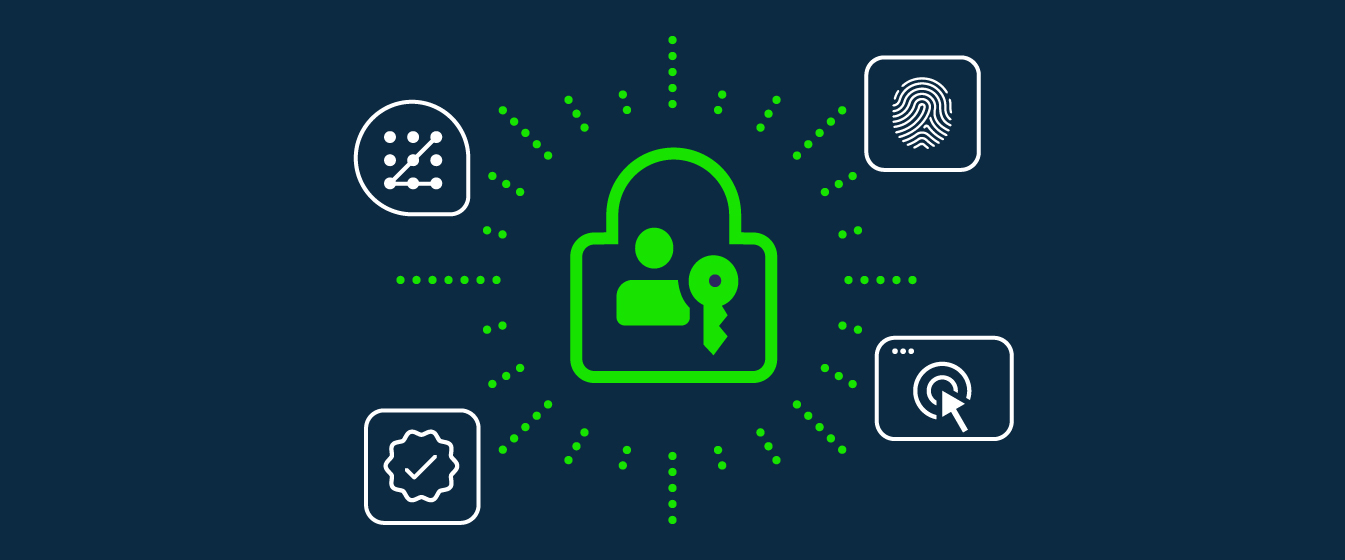
A Passkey is a secure, passwordless authentication method that allows you to log into a service using your existing device biometrics (like face ID or fingerprints) or lock screen PIN. Built on the FIDO2 standard, Passkeys are a complete alternative to traditional passwords.
Passkeys are a more secure alternative to passwords and traditional 2SV or MFA.
They are easier to use since they’re created and managed for you by your device(s), meaning you don’t have to create and remember lots of individual Passkeys.
The UK National Cyber Security Centre recommends using passkeys over passwords wherever available.
Three reasons passkeys are better than passwords
1 Passkeys are just more secure
The principal reason for this is that passkeys are resistant to phishing, as they can’t be intercepted, reused or stolen like passwords. This removes one of the most common ways accounts are compromised today.
They’re also user-friendly. Before authorising use of the passkey, your device checks that it’s you by whatever means you already use to unlock that device, for example Face ID, fingerprint or PIN.
2 They’re fast and convenient
Logging in via a Passkey is typically much faster than signing in with username, password and 2SV code.
You don’t need to remember anything. The password manager on your device – strictly speaking it’s a ‘credential manager’ since it manages more than just passwords – creates and keeps the private key safe and synchronised across your devices.
3 They offer greater resilience
There is daily evidence of malicious cyber actors taking advantage of password authentication via effective phishing and spear-phishing attacks – from cyber criminals and hacktivists to nation-state actors linked to China, North Korea, Russia, and Iran.
Adopting Passkeys considerably reduces the effectiveness of this activity. When combined with keeping your devices and apps up-to-date, Passkeys significantly reduce the likelihood of phishing attacks, making this common technique far less effective for cyber criminals and nation-state actors. So, by adopting Passkeys for all the services you log in to, you’re improving your organisation’s resilience in a world that, let’s face it, is increasingly unstable.
How do I use a Passkey?
Passkeys are created, saved, stored and managed for you on your trusted device(s) – such as your laptop, desktop, smartphone or computer – by your chosen credential manager. This will often be the default one built into your device – such as Apple Passwords, Google Password Manager or Samsung Pass – unless you’ve specifically chosen to install and use a third-party one, for example 1Password or Bitwarden, to synchronise passwords across different browsers and devices.
The credential manager:
- Makes and protects your Passkeys.
- Uses the way you unlock your device to make sure that it’s you – or someone you really trust – before allowing use of a Passkey.
- Makes a backup of your Passkeys for safety, which means you shouldn’t completely lose access to your Passkeys in the event you lose your device(s).
- Can copy (or ‘sync’) your Passkeys to other devices you trust for convenience, so you don’t have to create a new one for each device you own.
Once you’ve set up your credential manager you can easily set up a Passkey wherever they’re offered on your existing accounts (by checking the account security or privacy settings). Look out for prompts from services encouraging you to upgrade to passkeys.
On AttendZen, click on your avatar in the platform to access your profile and click the Add a Passkey button.
You can create multiple Passkeys on AttendZen to use on different devices (desktop, laptop, phone) if you wish.
I can’t stress enough how easy this is or how much more secure it will make your event data, and your entire online life.
If your event platform doesn’t support Passkeys yet, ask them when they plan to. Because nobody wants to be the person who gets tricked into typing their dog’s name into a field that looks legit, but ends up causing millions of dollars in damage. It happens every day, and it can happen to any of us.
So Passkey-up!